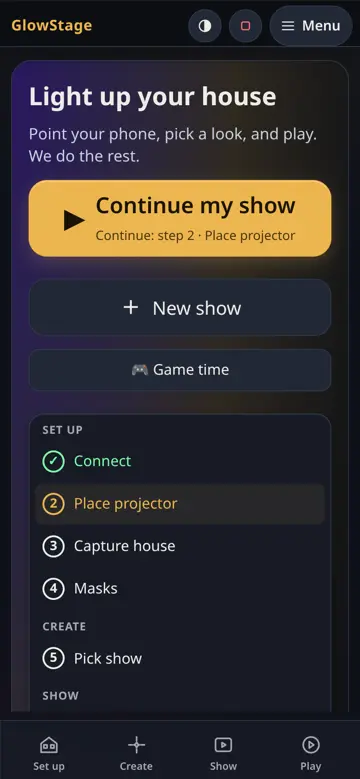
Light up your house with a show that fits it
Point a projector at your house, a wall or an object. GlowStage scans it with your phone camera, works out its shape, builds a show that fits, and plays it on a schedule by itself.
Three steps, no experience needed
1. Point your camera
Stand where you can see the whole house and hold your phone still while the projector flashes patterns. It takes about a minute.
2. Pick a look
Tap the look you like, then Make my show.
3. Show it
Tap Play now, or let it come on by itself: Tonight, Every evening or Weekends.
Show not quite on the edges? Looks off? Fix it lets you line it up again. Want to practise first? Try the demo house.
Runs from your phone
The GlowStage box sits by the projector. You control it from your phone, tablet or computer on the same Wi-Fi. No typing commands at any point.
Boxes update themselves, and every update is signed by GlowStage and checked by the box before it installs.